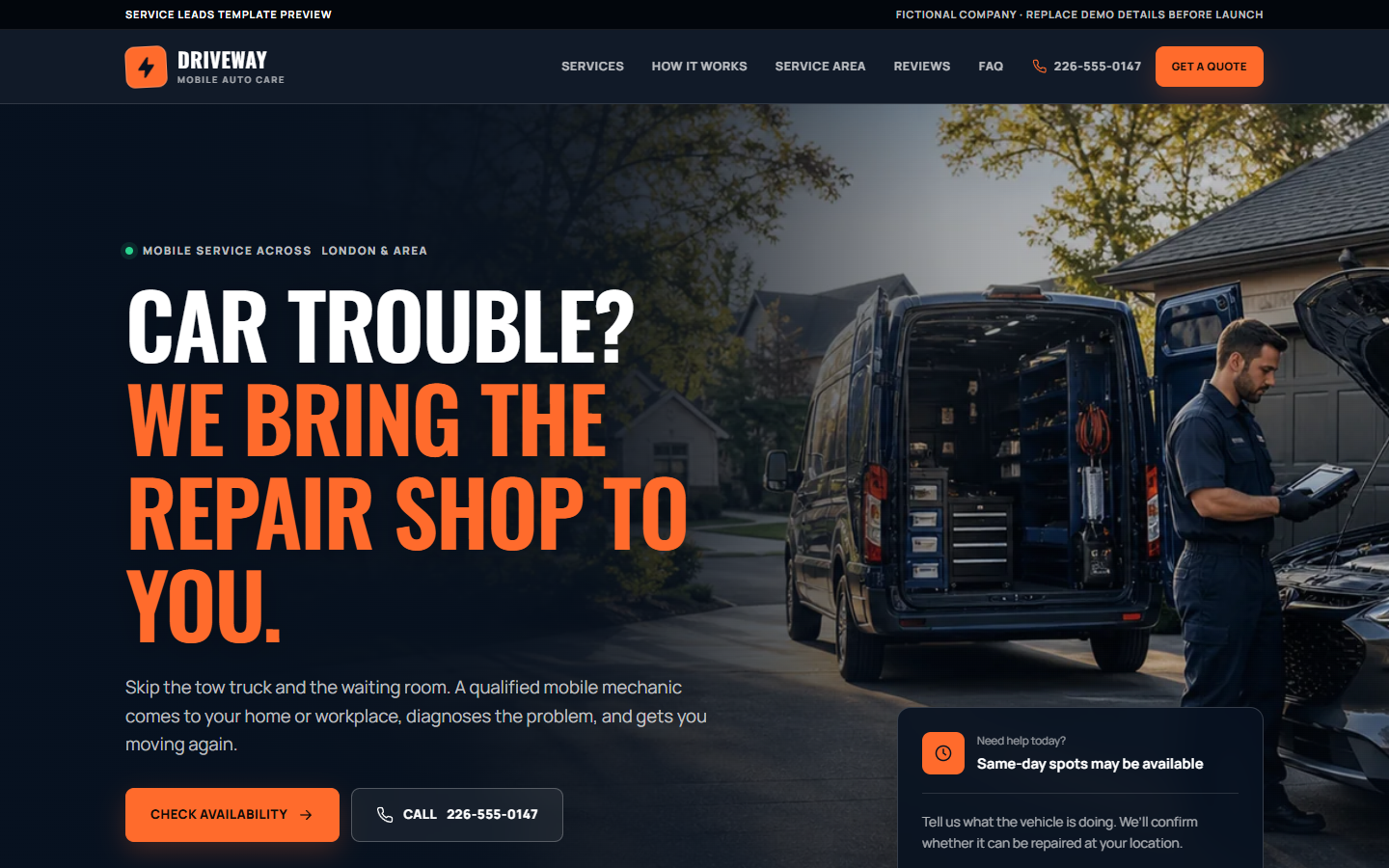
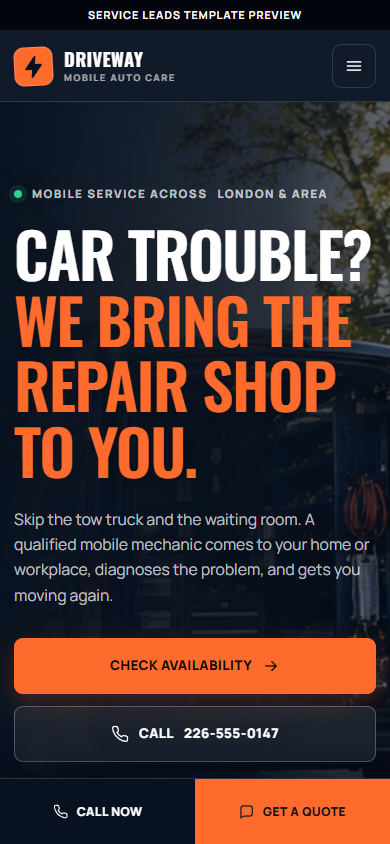
Featured strategy story
Routing an urgent mobile-mechanic inquiry before it becomes a tow.
This is a fictional demonstration brief, not a client engagement, testimonial or performance result. The proof below is limited to strategy and functionality visible in the build.
01 / The customer decisionThe visitor may be stranded or short on time. They need fast service-fit boundaries, a clear coverage area and a direct way to share the vehicle, symptom and location.
- Designed for
- Drivers dealing with a no-start, warning light, brake concern or maintenance need who want to know whether mobile service is the right next step.
- Primary action
- Send a callback-ready request that gives the mechanic enough context to confirm fit and urgency.
02 / The strategy hypothesisAn urgent visitor is more likely to take the right action when the mobile experience separates serviceable problems from tow-or-shop situations and keeps the request path short.
The concept is designed to make this path clearer. It does not claim that a real business received more leads or sales.
03 / Key decisions
Why the lead path works this way.
01Lead with urgency and service boundaries
A mobile mechanic cannot solve every roadside or shop-level repair, so clarity protects both the driver and the operator.
Visible in the demoThe no-start callout, service-area language and focused repair routes explain what can be assessed or completed on site.
02Ask for dispatch-ready details
The first follow-up is faster and more useful when the vehicle, symptom and location are known before the callback.
Visible in the demoThe request flow collects vehicle information, the immediate concern, location and preferred callback details.
03Protect the phone-first mobile path
Someone beside a vehicle should not have to navigate a desktop-style brochure to find the next action.
Visible in the demoPersistent quote and call actions remain visible across the compact mobile route and no-start content.
04 / The demonstrated lead path
From first question to a useful hand-off.
- 01Arrive through a symptom or service-specific page.
- 02Confirm mobile-service fit and geographic coverage.
- 03Choose the urgent call path or enter vehicle, symptom and location details.
- 04Create a callback-ready hand-off for human confirmation.
05 / Page and search architectureThe routes built into the concept.
- Diagnostics, batteries and no-start support
- Brakes, maintenance, tires and minor repairs
- Service-area and mobile-repair boundary content
- Direct phone and callback-request routes
06 / Before a real launchWhat must be verified with the operator.
- Verify the real repair limits, hours, coverage area and emergency language.
- Connect urgent requests to an actively monitored phone and notification path.
- Replace demonstration reviews, credentials and policies with approved proof.
- Measure calls and requests by service, device, source page and urgency.
07 / What this demonstration proves
Observable build evidence—not invented business outcomes.
- Six focused service routes are available in the demonstration.
- The no-start and service-area paths make operational boundaries visible.
- The intake captures vehicle, symptom and location context.
- The phone-first path remains available on a small screen.