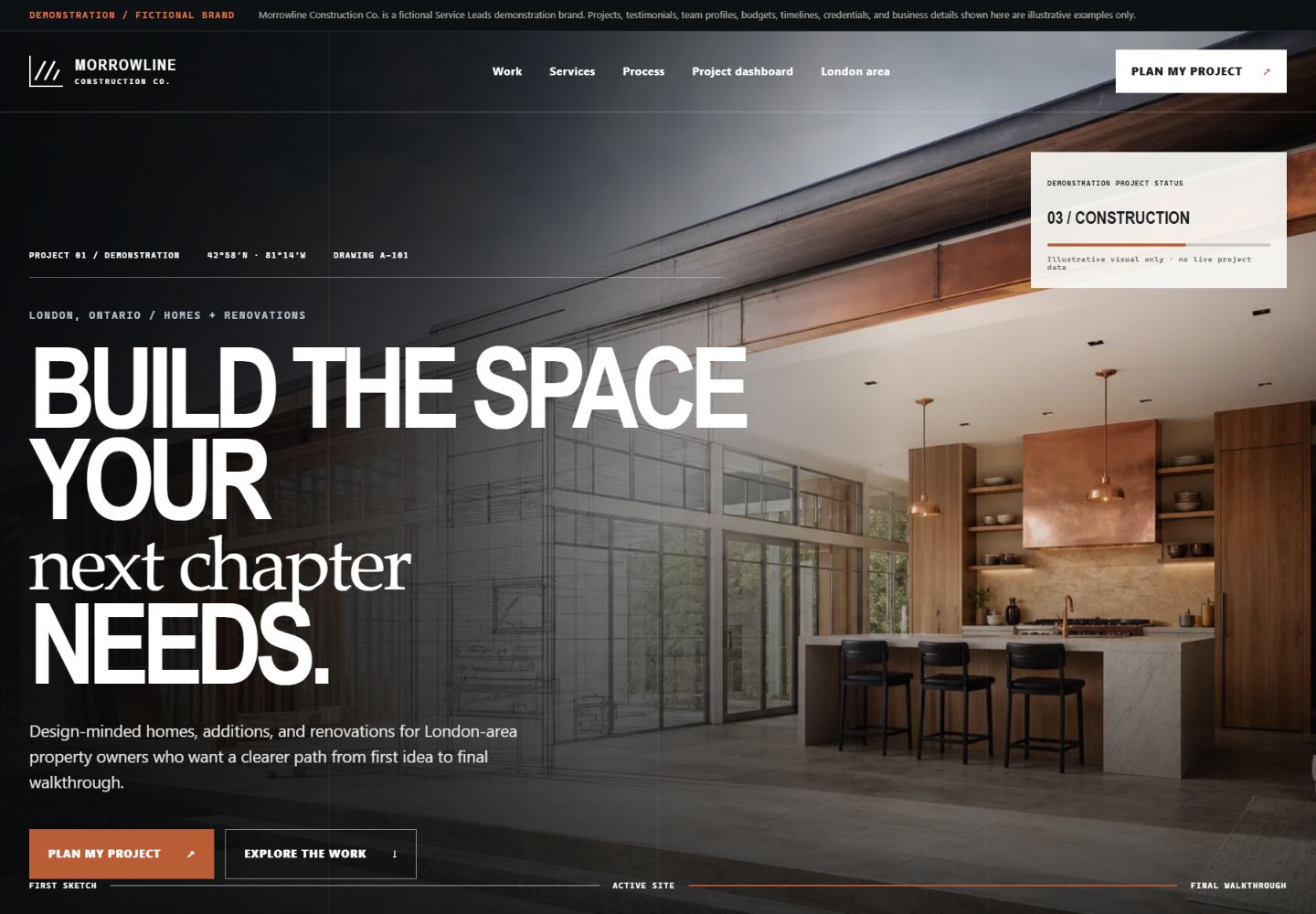
Featured strategy story
Turning an early renovation idea into a structured project conversation.
This is a fictional demonstration brief, not a client engagement, testimonial or performance result. The proof below is limited to strategy and functionality visible in the build.
01 / The customer decisionThe visitor has a meaningful project in mind, but still needs to understand fit, planning requirements and what information a contractor needs before a useful consultation.
- Designed for
- Homeowners comparing a custom home, addition or major renovation before every detail is settled.
- Primary action
- Complete a progressive project brief with enough scope, timing and readiness context for a productive follow-up.
02 / The strategy hypothesisA high-consideration construction inquiry becomes easier to start when the website helps the homeowner organize the decision before asking for a consultation.
The concept is designed to make this path clearer. It does not claim that a real business received more leads or sales.
03 / Key decisions
Why the lead path works this way.
01Organize the site around project decisions
A homeowner planning an addition has different questions from someone comparing a kitchen renovation or a custom home.
Visible in the demoNine focused project routes separate custom homes, renovations, additions, kitchens, bathrooms, basements, exteriors, commercial work and pre-construction planning.
02Let visitors assess fit before the form
Early-stage prospects need a low-pressure way to understand project type and readiness without pretending they already have a complete brief.
Visible in the demoA project-fit navigator, readiness meter and construction-anatomy explorer make the planning questions visible before contact.
03Collect context in manageable stages
A single generic message box produces weak project context, while an exhaustive form can stop the inquiry before it starts.
Visible in the demoThe progressive brief gathers project type, priorities, timing and contact details in a guided sequence.
04 / The demonstrated lead path
From first question to a useful hand-off.
- 01Land on the relevant project or service route.
- 02Review the planning process, fit signals and project-specific questions.
- 03Use the navigator or readiness tools to organize the request.
- 04Submit a structured project brief for a human consultation.
05 / Page and search architectureThe routes built into the concept.
- Custom homes and whole-home renovations
- Additions, kitchens, bathrooms and basements
- Exterior, commercial and pre-construction planning
- Project process, proof modules and consultation paths
06 / Before a real launchWhat must be verified with the operator.
- Verify the contractor's real services, service area and project minimums.
- Replace demonstration credentials and project imagery with approved proof.
- Confirm who receives each project type and the expected response time.
- Connect form starts, completed briefs, calls and source pages to reporting.
07 / What this demonstration proves
Observable build evidence—not invented business outcomes.
- Distinct pages exist for nine construction decisions.
- The project navigator and readiness interaction work on the live demo.
- The brief captures more useful context than a generic contact form.
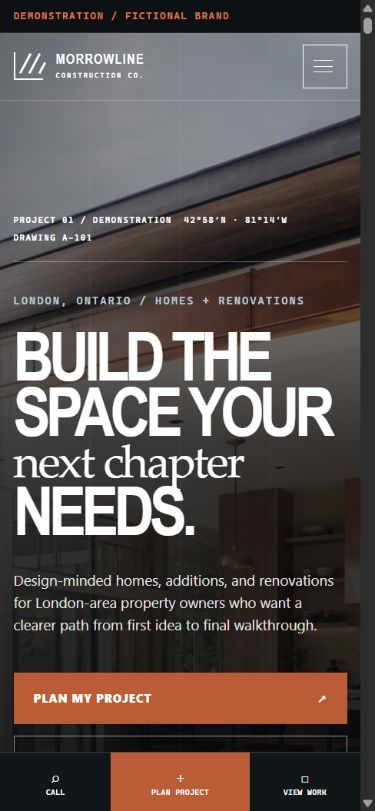
- Desktop and mobile paths both keep the consultation action available.